
“Find a video about
Japanese gardens.”
Follow a shared interest. Search the web, explore results,
and ask the assistant to help open what catches your eye.

Find something to watch. Ask about what’s on screen.
Keep exploring, without reaching for a keyboard.
A website on the big screen. An assistant right beside it.
AI TV Browser brings voice, browsing, and a little curiosity
together — with the remote you already have.
Start with something you actually want to do.

Follow a shared interest. Search the web, explore results,
and ask the assistant to help open what catches your eye.

Move through a page with a simple request.
No on-screen keyboard required.
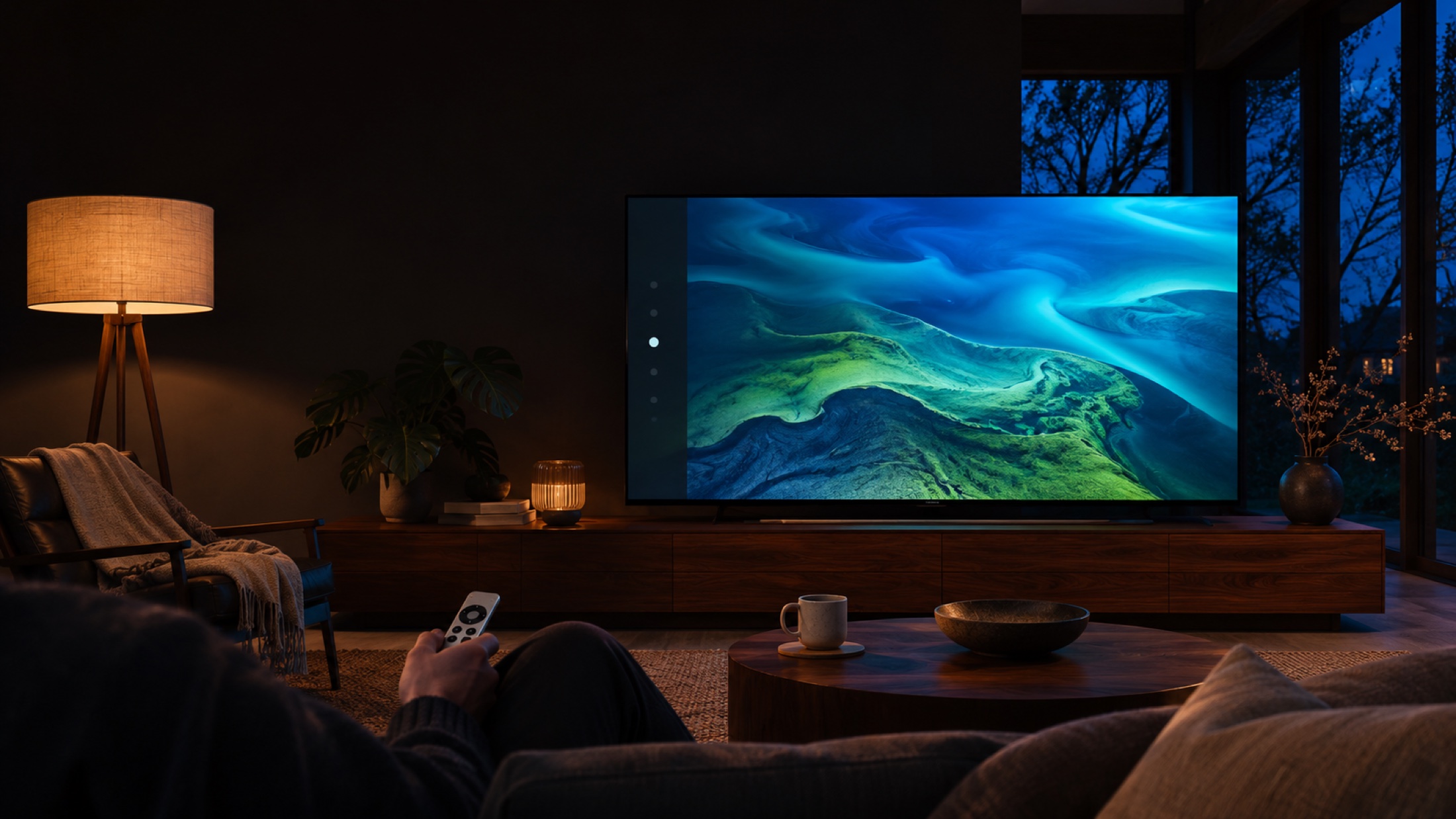
AI-generated lifestyle imagery. Screens and conversations illustrate the intended experience.
Get help with available page content without leaving the website.
The conversation stays alongside what you’re exploring.

Follow your curiosity, one conversation at a time.
Interactive interface concept with sample content. This is not a live AI session or a product screenshot.

Hold the side microphone and say what you need.
Release to send the recognized text automatically.
The assistant replies in the sidebar, ready for what’s next.
Explore websites and ask for help with the page you’re viewing. Browser actions stay within this app.
Sensitive website actions require your confirmation. Convenience shouldn’t mean giving up control.
Continue the conversation, change direction, or take over with the remote whenever you want.
ICHIEAI is an independent project by Songyuan Li, exploring more natural ways to interact with AI.
AI TV Browser is currently a private Apple TV prototype. Remote dictation, cloud-based replies, and browser assistance have been tested on a physical device. Compatibility and longer sessions are still being refined.
Phone-based account setup and wider availability are being explored. There is no public download or self-service sign-up yet.
Talk about the projectadmin@ichieai.com